You can permanently delete your Village Defense account and its associated data from the app, or
start a deletion request from this page if you cannot access the app.
!
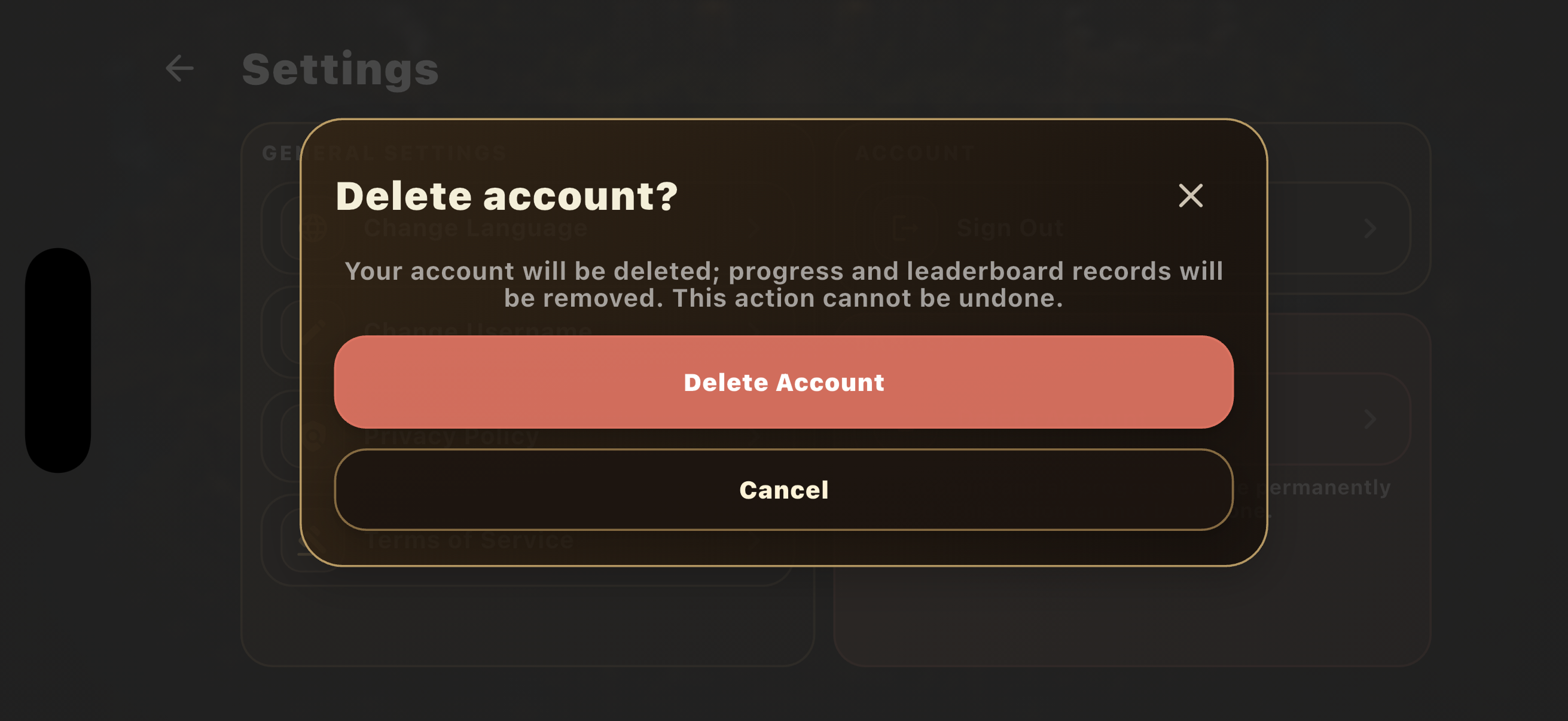
This action cannot be undone. Your account, game progress, leaderboard profile, balances,
upgrades and other account-linked gameplay state will no longer be available.
The in-app flow verifies your signed-in session before deletion. When the authenticated deletion request
succeeds, the account deletion is performed immediately.
Sign in to Village Defense.
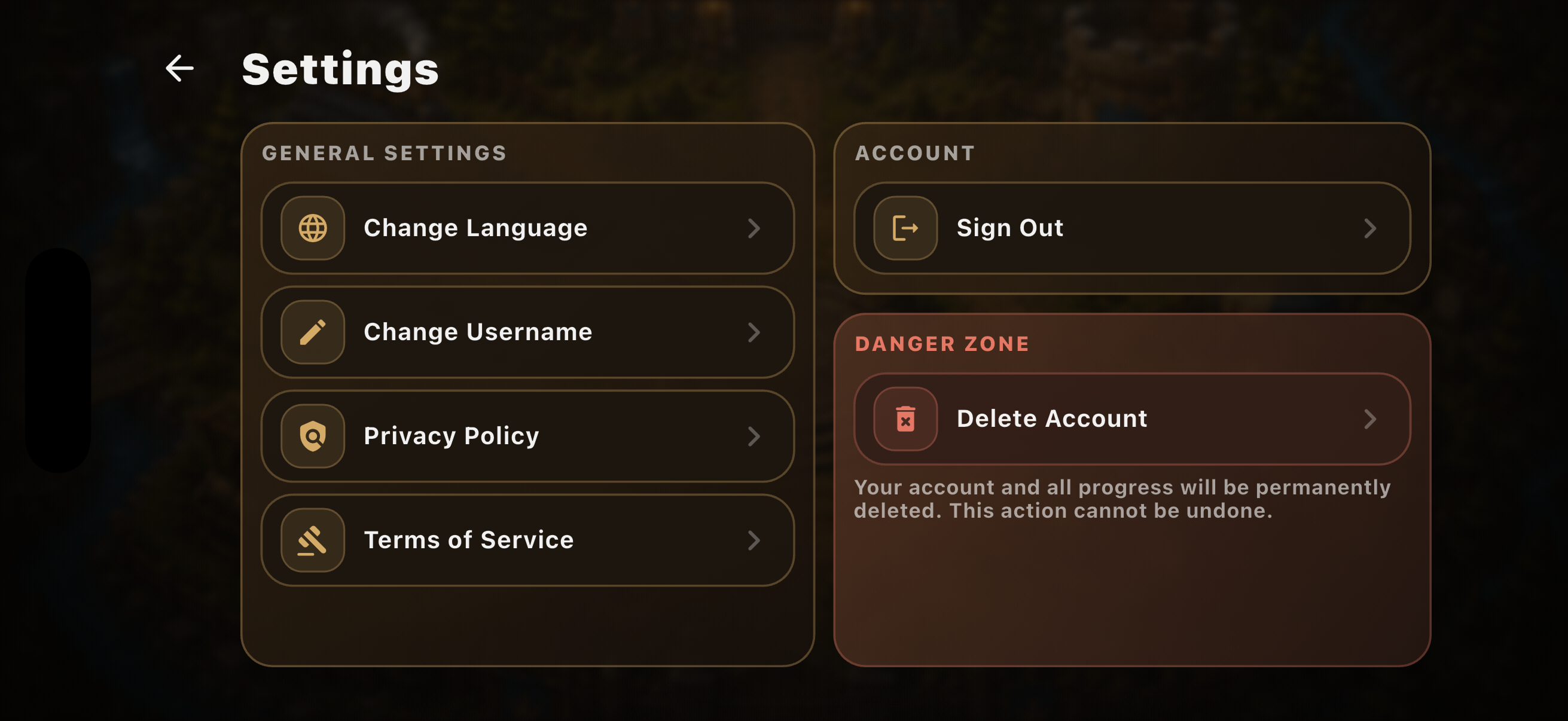
Open Settings.
Go to Danger Zone.
Select Delete Account.
Confirm Delete Account.
In Settings, open the Danger Zone and select Delete Account.Review the warning, then confirm Delete Account.
Cannot access the app?
Request account deletion by email
If you cannot access the app, send an account deletion request from the email address associated
with your Village Defense account. Requests submitted by email will be processed after account
ownership is verified. We may ask for additional information needed to complete that verification.
For your security, never send your password, one-time access code, full purchase
token or payment details.
The following reflects the current Village Defense backend deletion implementation and data inventory.
Data permanently deleted
Authentication account, email address and authentication-provider identities
Profile, username and recorded Terms acceptance
Leaderboard entry and progress summary, including best score and highest wave
Diamond wallet balance and tower upgrade levels
Account-linked app presence records, including stored app/device session information
The account association on retained gameplay and transaction records
Data that may be retained
Gameplay run records, such as wave, score, duration, kills and technical audit fields, may remain
without your account ID, email or username for game balancing, security and anti-cheat purposes.
Diamond transaction and purchase-verification records may remain without your account identity to
prevent duplicate credits or fraud and to meet transaction, accounting, legal or platform obligations.
These de-linked records are not restored to a new account and are not shown as your leaderboard data.
Retention period: The current deletion system does not assign a fixed retention
period to these de-linked records. They are kept only while needed for the purposes above or where applicable
law or platform obligations require retention. Analytics, advertising and crash data previously processed by
Google/Firebase/AdMob, Apple or Sentry may also remain under those providers’ retention and legal requirements.
Processing
When deletion takes effect
In-app deletion is executed when the authenticated deletion request completes successfully. Email requests
are processed after account ownership is verified; no deletion is performed from an email address alone
without verification.